Access to AssetAsyst
Initial access to AssetAsyst is provided via an Azure B2C Local Account. This account provides the following functionality:
- General data access to AssetAsyst; and
- The means to generate the SCIM provisioning token
Account Setup
To prepare your organisation in AssetAsyst, pitt&sherry will confirm the Tenant Id of your Azure AD.
In order to create the admin account, pitt&sherry will ask for a nominated email address.
NB - please make sure you choose the email address of a user that won’t be used for synchronisation via the SCIM service
Once the account is created, a Welcome email will be sent with an initial password.
Login
To login, go to https://assetasyst.com:
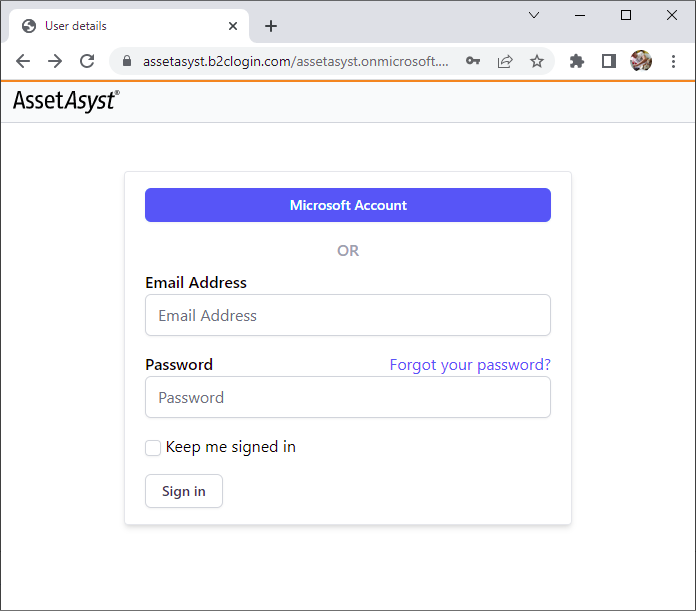
Enter your email and password in to the respective fields. Then click “Sign In”.
Change Password
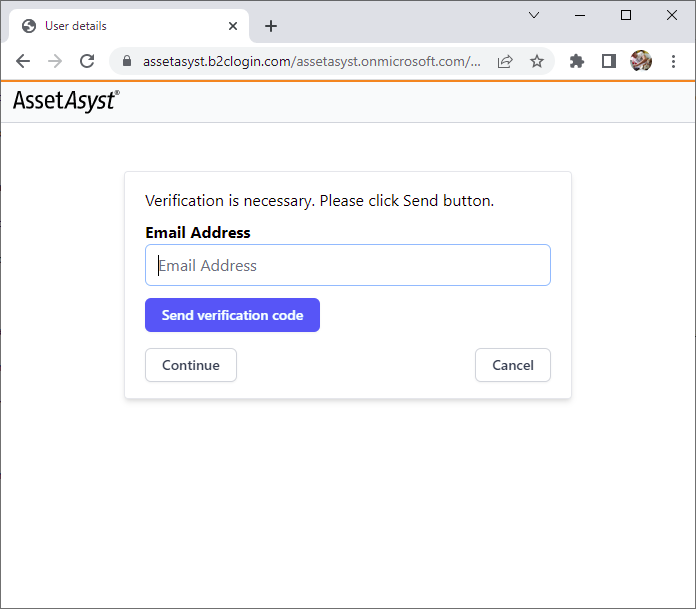
To change your password, click on the “Forgot your password?” link and follow the prompts:
Next: Scim Provisioning